



HSM Performance Pack 2020 extends the functionality of your Mastercam system with specialized high-speed machining capabilities including powerful Tilt, Undercut and Drilling.


Combine Tilt and Undercut to machine hard-to-reach, undercut areas by tilting the tool or use the Swarf strategy for perfect finish in areas where the surface is suited for it.
Tilt is available as an option for the finishing and roughing strategies in HSM Performance Pack. With Tilt enabled, HSM Performance Pack can automatically tilt the tool and holder to prevent it from colliding with the part.
Several options are available for automatically detecting and avoiding holder collisions including Ignore, Fail, Trim, Tilt, Pull Away, Avoid Stock and Detect length.
The shallow machining option ensures a smooth finish with the least amount of toolpath. Use the trimming options to machine shallow areas locally and save time on the steep areas.
The Hybrid strategy combines the advantages of Contour3D with Scallop and Parallel enabling users to easily create cutting passes for both steep and shallow areas in a single operation.
Different types of transitions between cutting passes are available for finishing strategies. It allows the user to control whether the tool should stay at the surface or move away during the transition.
Advanced drilling strategy with automatic hole detection (including blind holes), optimal ordering, holder avoidance, rest machining, and more.
The Pencil strategy uses a trustworthy center line detection algorithm and includes many options for machining steep and shallow areas in separate ways.
Spiral Passes in HSM Performance Pack provides a superior surface finish without link transitions. 3D-contour, Scallop and Pencil strategies all support this option.
3-Axis undercut is available for most strategies including Constant Cut, Pocket, Contour, Parallel and more. Undercut supports many different tool types such as Lollipop, T-slot and Dovetail.
Click on the live-samples below to see how different types of parts can be machines using HSM Performance Pack’s unique 3 to 5 axis strategies.
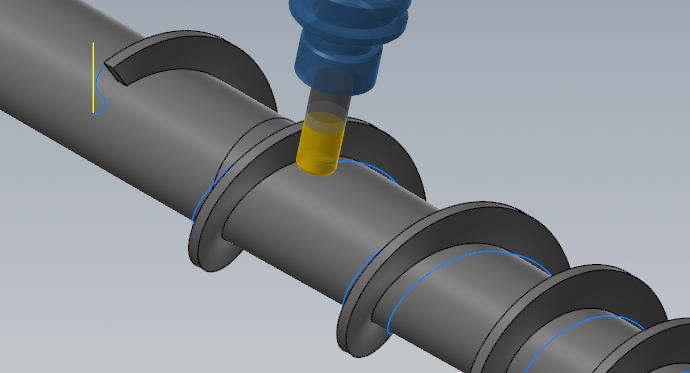
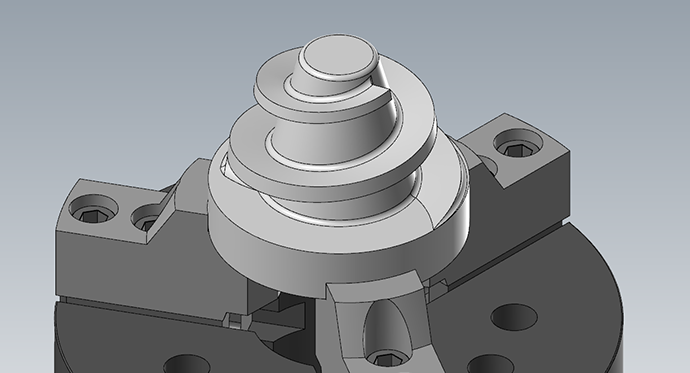
This shows Constant Cut Roughing. Pocket 5 axis rest machining. Contour from slope angle 45° to 90° that machine the core and outer shape. Radial from slope angle 0°- 45° that machine the wing and top. last Pencil passes on the internal fillets.
Download demo files
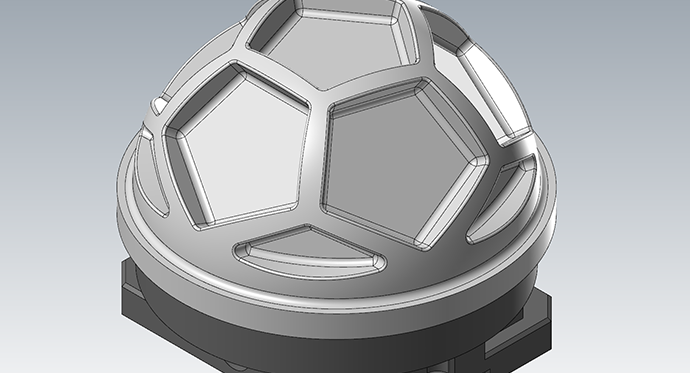
This shows Constant Cut Roughing. Pocket 5 axis rest machining. Contour from slope angle 45° to 90°. Scallop from slope angle 0°- 46°. last Pencil passes on the internal fillets.
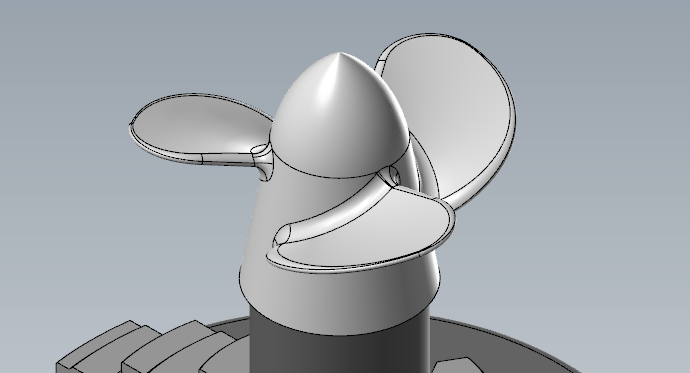
This shows Constant Cut rest machining from different tool plans. Radial of the center core and finishing one blade using scallop and pencil.
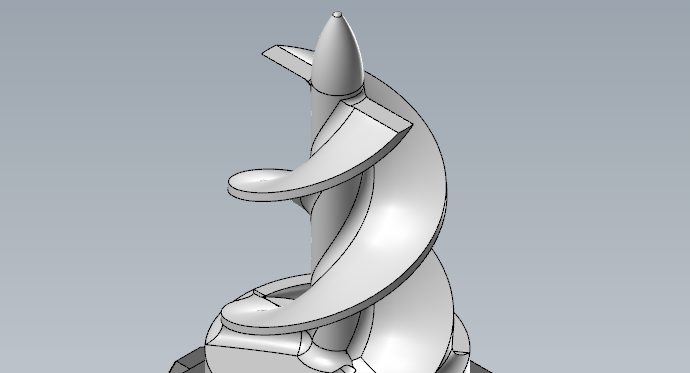
This shows Pocket rest machining from different tool plans. Using check surfers against fixture. Horizontal open facing on end of blades. Contour finishing where tool tilt is fixed in 90° so it behaves as 4 axis rotary tool pass. Contour Machine flats to finish the horizontal face on the bottom.

